
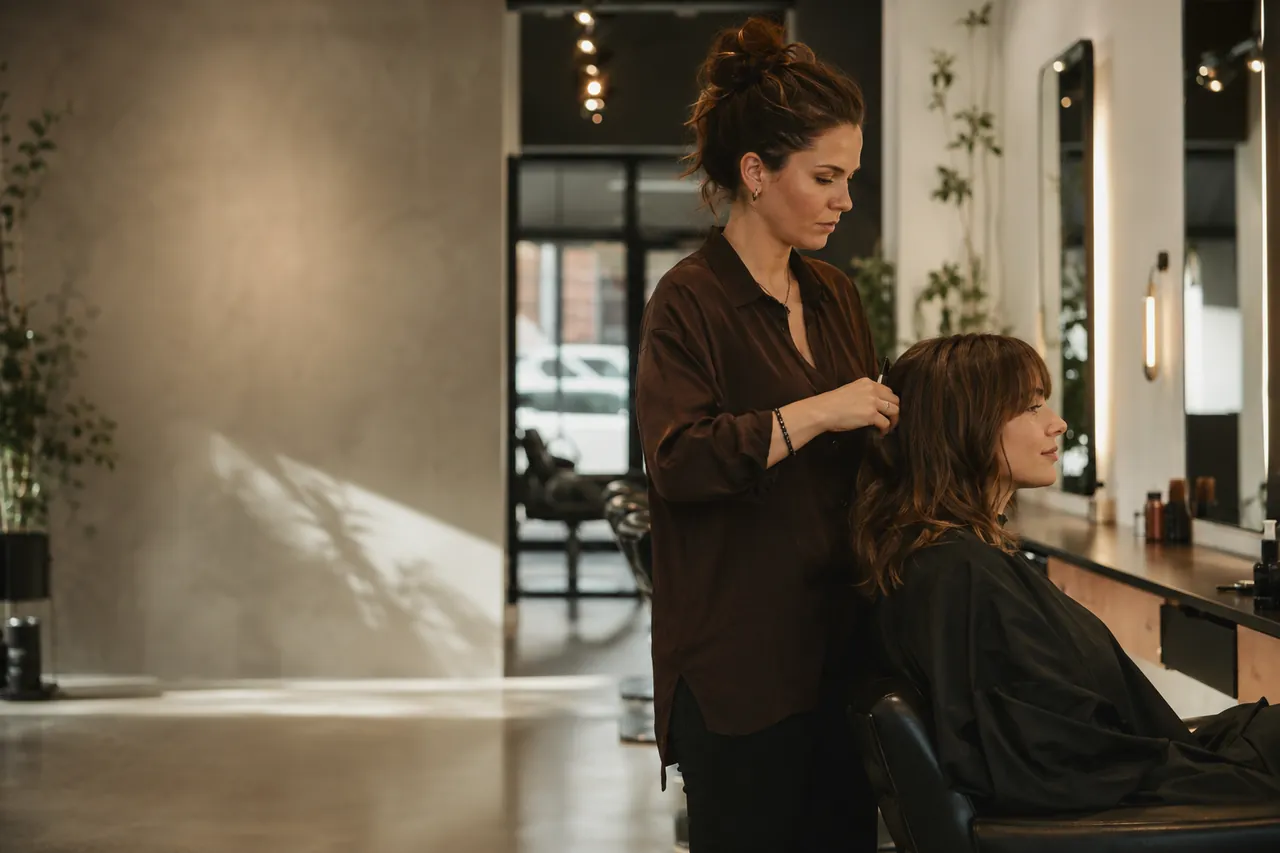
Online appointment requests for hairdressers — because highlights aren't half an hour
A cut and a three-hour color don't ask for the same space in your day.
The client picks a cut, a color, or even several services in one request. Bokko adds up the configured durations and buffers; you only confirm the time that genuinely fits.
Why it's good as a hairdresser
A cut and a color don't fit the same mold
You can set a separate duration per service — Bokko works with that, not an average.
A cut and a color together aren't two appointments kept in your head
Several services can be selected in one request; the configured durations and in-between buffers add up automatically.
Tracking returning clients
For a returning client you see their previous bookings in one place — service, date, price — alongside your own client notes.
How controlled appointment requests work
-
The client requests an appointment
On your booking page they pick a service — even several in one request.
-
You confirm
You see the full time needed and the client's earlier visits; you confirm, or propose another time.
-
Bokko handles the rest
Bokko notifies the client of your decision and automatically sends the reminders you have enabled.
What you gain
For you
You don't have to calculate the time for every combination by hand, and a request only becomes a final appointment once it is accepted — by you, or through automatic acceptance you set for the service.
For the client
They can send their request at any time, then get a notification about the approval or the alternative time you propose.
See it on a sample hair studio
Try it the way your client will: choose a service, send an appointment request, then see as the owner how it arrives and how it's handled.
Stúdió Hajnal
A modern hair studio's booking page.
More than one of you in the salon?
The Pro plan gives a higher staff limit; every staff member has their own calendar, and the client — if you set it up that way — can choose on the booking page which staff member to request. The request is still a request: whether you confirm it manually or set automatic acceptance per service is up to you.
See the Pro planWhat you get as a hairdresser
Several services in one request
In one request the client can pick both a cut and a color; the configured durations and the in-between buffers add up.
Client history and your own notes
For a returning client you see their previous bookings — service, date, price — and you can access your own client notes.
Automatic notifications
The client is notified of your decision; Bokko automatically sends the appointment reminders you have enabled.
Start with the hairdresser template
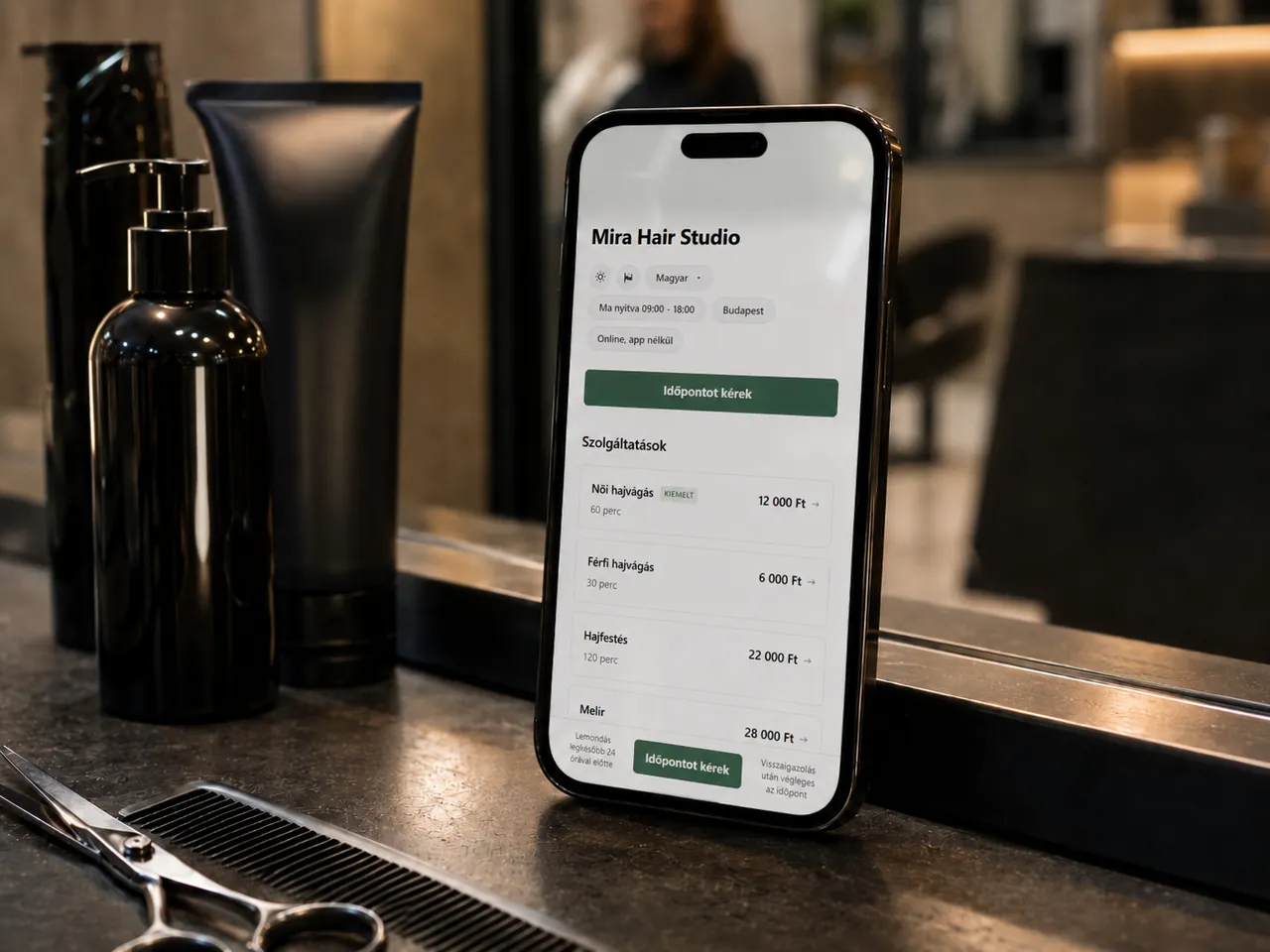
Six classic hairdresser services in one click — women's and men's haircut, color, highlights, wash and blow-dry, special-occasion styling. After registration you can tailor them to your own services right away.
- Women's haircut 60 min
- Men's haircut 45 min
- Full hair color 120 min
- Highlights 120 min
- Wash and blow-dry 45 min
- Updo / occasion style 60 min
Starter is your entry point
For one staff member and one location, Starter is a good starting point. For multiple staff we recommend the Pro plan.
See the plansCommon questions
What is request-first booking?
Clients send an appointment request online and you confirm what works — or you switch on automatic acceptance per service.
Do I need a credit card to request a notification?
No. All we need for the launch notification is your email address.
What if we are 2+ hairdressers?
For multiple staff we recommend the Pro plan: a higher staff limit with individual calendars, advanced booking rules, no-show tracking and — if enabled — a no-show fee.